Displaying Videos on Maps#
When you want to play images onto a map, you have to use a technique called dithering because Minecraft map palette is limited to a bit over 100 colors, compared to the 256 * 256 * 256 (16,777,216) colors available in the RGB color space. Dithering essentially tricks your eyes into seeing more colors than are actually present by mixing pixels of different colors.
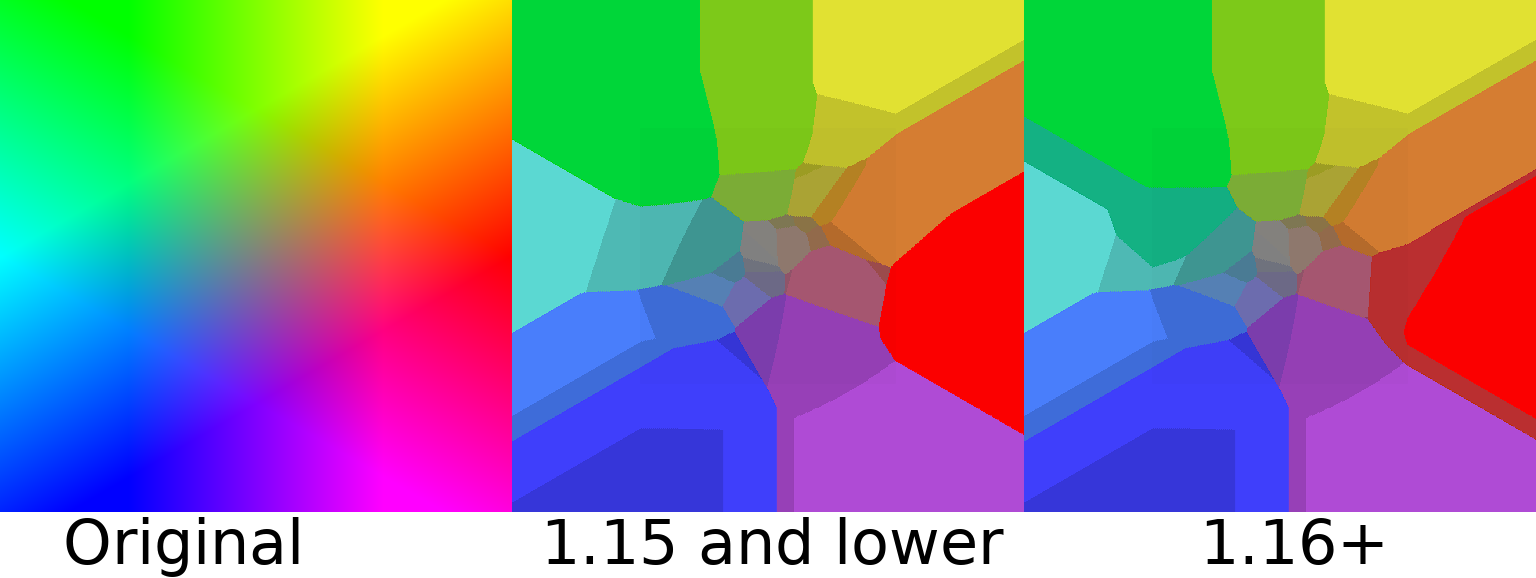
Fig. 2 Example of the Minecraft map palette#
Introduction to Dithering Algorithms#
Dithering algorithms are used to approximate colors in images by using a limited palette. The most common dithering algorithms include:
Error Diffusion: This method spreads the quantization error of a pixel to its neighboring pixels, allowing for a more gradual transition between colors.
Filter Lite: The fastest dithering algorithm which produces great results, supposedly better than Floyd-Steinberg.
Atkinson Dithering: A specific error diffusion algorithm that modifies six pixels.
Floyd-Steinberg Dithering: Another error diffusion algorithm that modifies four neighboring pixels.
Jarvis Judice Ninke Dithering: A more complex error diffusion algorithm that modifies twelve pixels instead of four.
Stucki Dithering: A variant of the Floyd-Steinberg algorithm that modifies twelve instead of four pixels.
Burkes Dithering: A variant of the Floyd-Steinberg algorithm that modifies seven instead of four pixels. Faster than Stucki but less clean.
Stevenson-Arche Dithering: A hexagonal variant that modifies twelve neighboring pixels.
Ordered Dithering: This method uses a fixed pattern to determine how to distribute the quantization error, which can create a more uniform appearance.
Bayer Filter: A specific ordered dithering algorithm that uses a matrix to determine the distribution of colors.
Random Dithering: The “bubble-sort” of dithering, not really useful in practice but straightforward to implement.
Nearest Neighbor: This method simply replaces a pixel with the nearest color in the palette.
Note
Many of these error-diffusion algorithms aren’t true to the exact algorithm, and some use approximations that have less than 1% error for a much faster performance gain.
You would be surprised that Nearest Neighbor is probably the worst-looking algorithm. Though it is one of the fastest and simplest, it does not produce good results. Because it doesn’t really trick your eyes into blending the colors at all. I will leave the algorithms as an exercise for the reader and their proper resources to learn about them as shown above.
Note
All error-diffusion implementations in MCAV use serpentine error diffusion (or boustrophedon transform), which means that the error is applied alternatingly left to right and right to left. This is a common technique in error diffusion to reduce artifacts and improve the quality of the dithered image.
To use these dithering algorithms, you must use the specific builders for each algorithm. For example, to use the
ErrorDiffusionDitherBuilder for error diffusion dithering, the OrderedDitherBuilder for ordered dithering, and so
on. For example, for an error diffusion dither, you would use the following code.
  final ErrorDiffusionDither dither = DitherAlgorithm.errorDiffusion()
        .withAlgorithm(ErrorDiffusionDitherBuilder.Algorithm.FILTER_LITE)
        .withPalette(new DefaultPalette()).build();
Using Maps to Display Frames#
To use maps, you need to create a MapConfiguration object that containing information of your viewers, map
resolutions,
block widths and heights, and map IDs. You should use the builder to create the MapConfiguration object.
  final Collection<UUID> viewers = ...;
final DitherAlgorithm algorithm = ...;
final MapConfiguration configuration = MapConfiguration.builder()
        .map(0)
        .mapBlockWidth(5).mapBlockHeight(5)
        .mapHeightResolution(640).mapWidthResolution(640)
        .viewers(viewers)
        .build();
Now that MCAV knows the map metadata and the dithering algorithm, you can use the DitherFilter to apply the dithering
to be a part of the video pipeline for the last step.
  final DitherAlgorithm dither = ...;
  final MapConfiguration configuration = ...;
  final MapResult result = new MapResult(configuration);
  final VideoFilter videoFilter = DitherFilter.dither(algorithm, result);
  // add to pipeline builder
You can add this to the pipeline builder, and now the player will automatically send frames through the pipeline. Once it reaches this step, it dithers the frame and sends it to the players as a map.